Nano Banana 2 Old Photo Restoration • Instant Results

Restore Your Old Photos
with AI

Automatically repair scratches, remove stains, restore faded colors, and enhance vintage photographs with our AI photo restoration tool. Professional quality in seconds.

Upload your old photo

Upload a vintage photograph to restore and enhance it

JPGPNGWEBPUp to 24MB
235/500
1 credit required
🔧
Repair Scratches
Fix tears and cracks
🎨
Restore Colors
Revive faded photos
Enhance Clarity
Sharpness boost
💎
AI Precision
Professional results
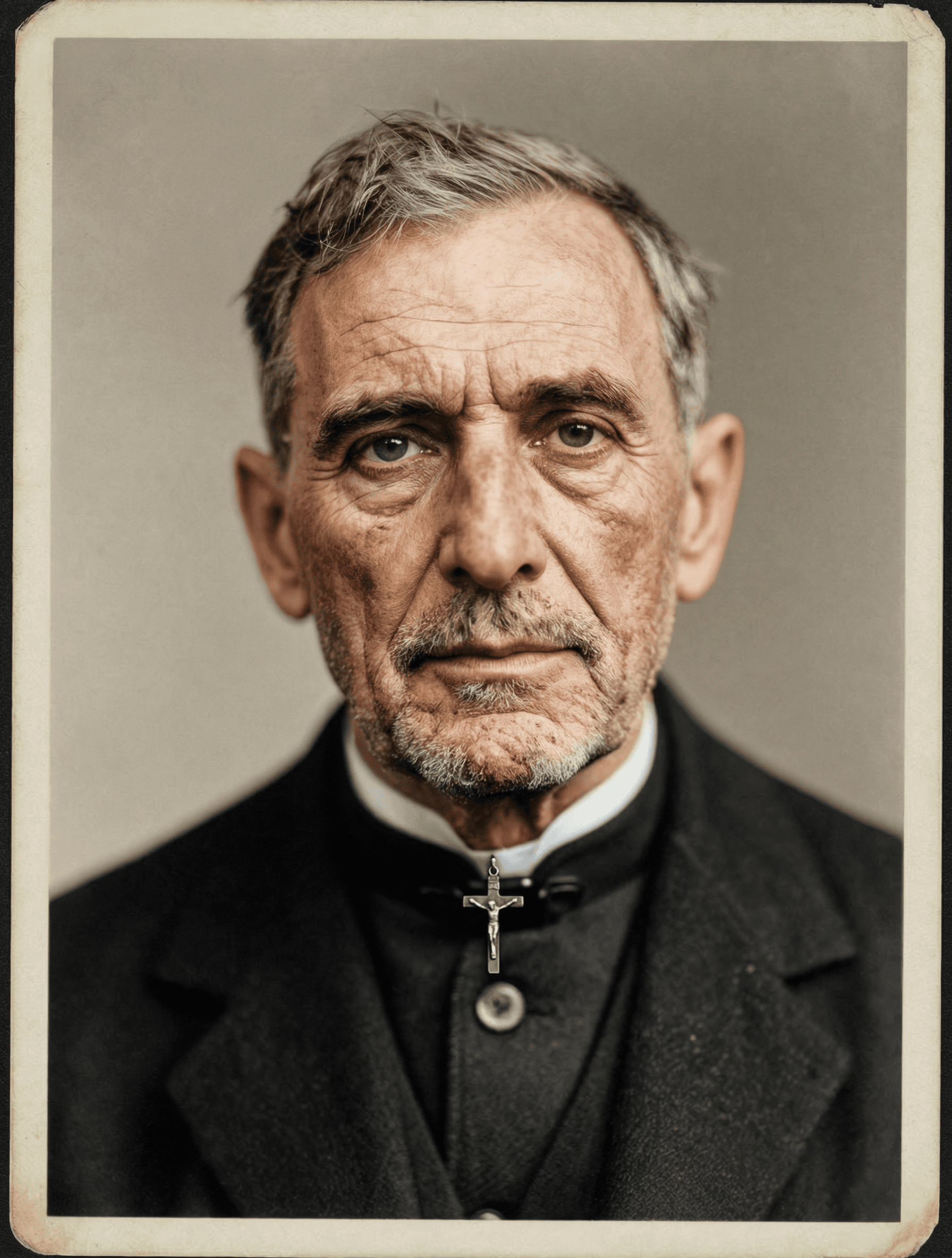
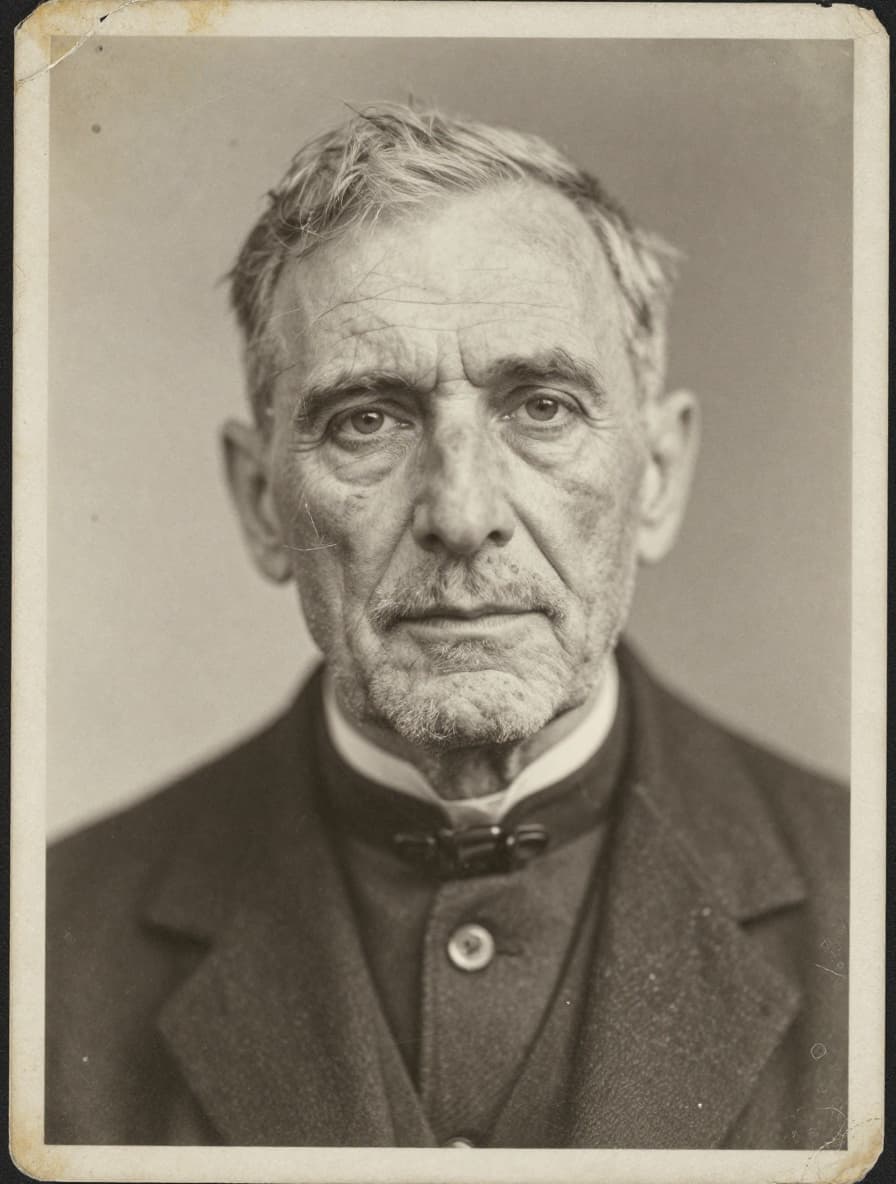
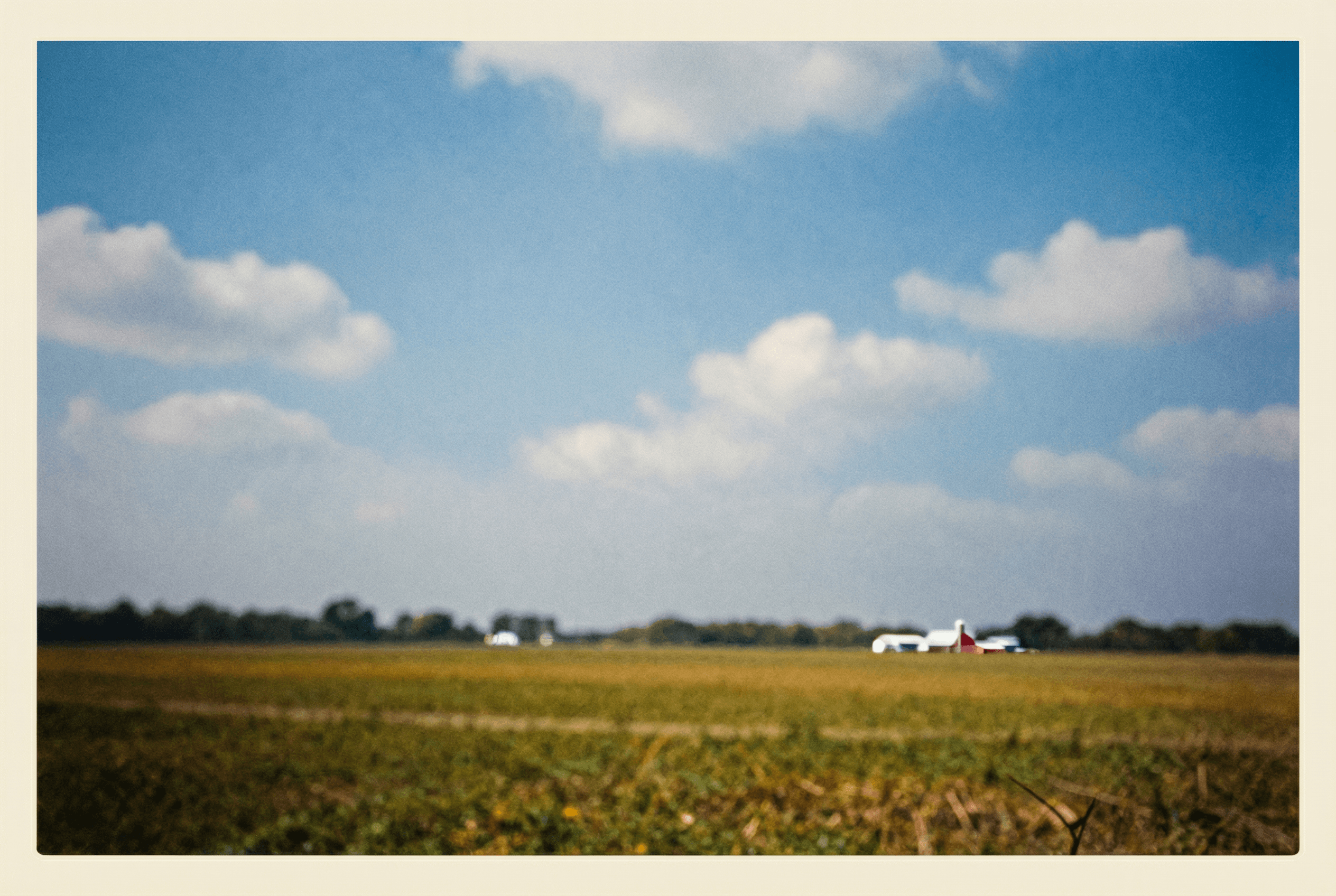
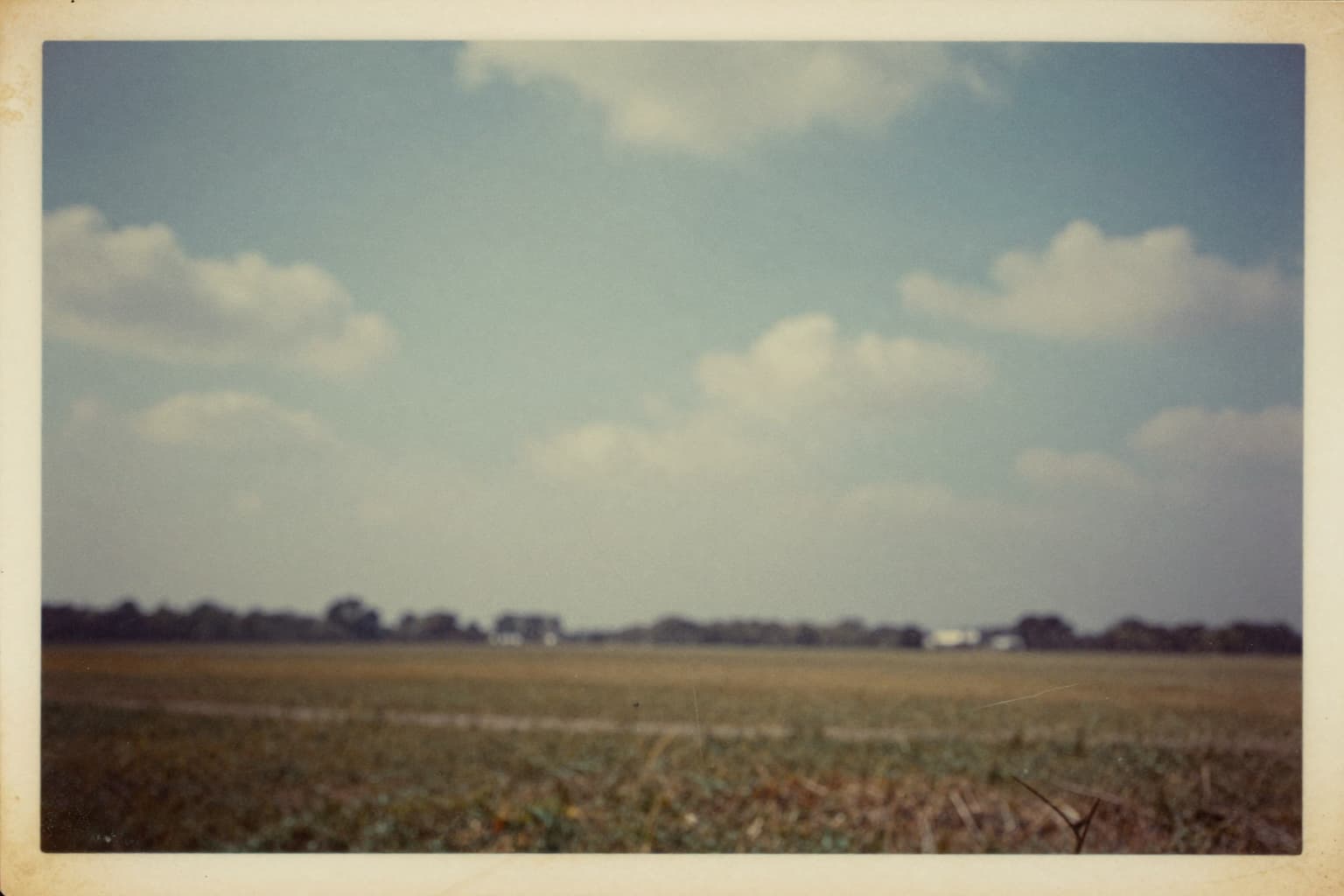
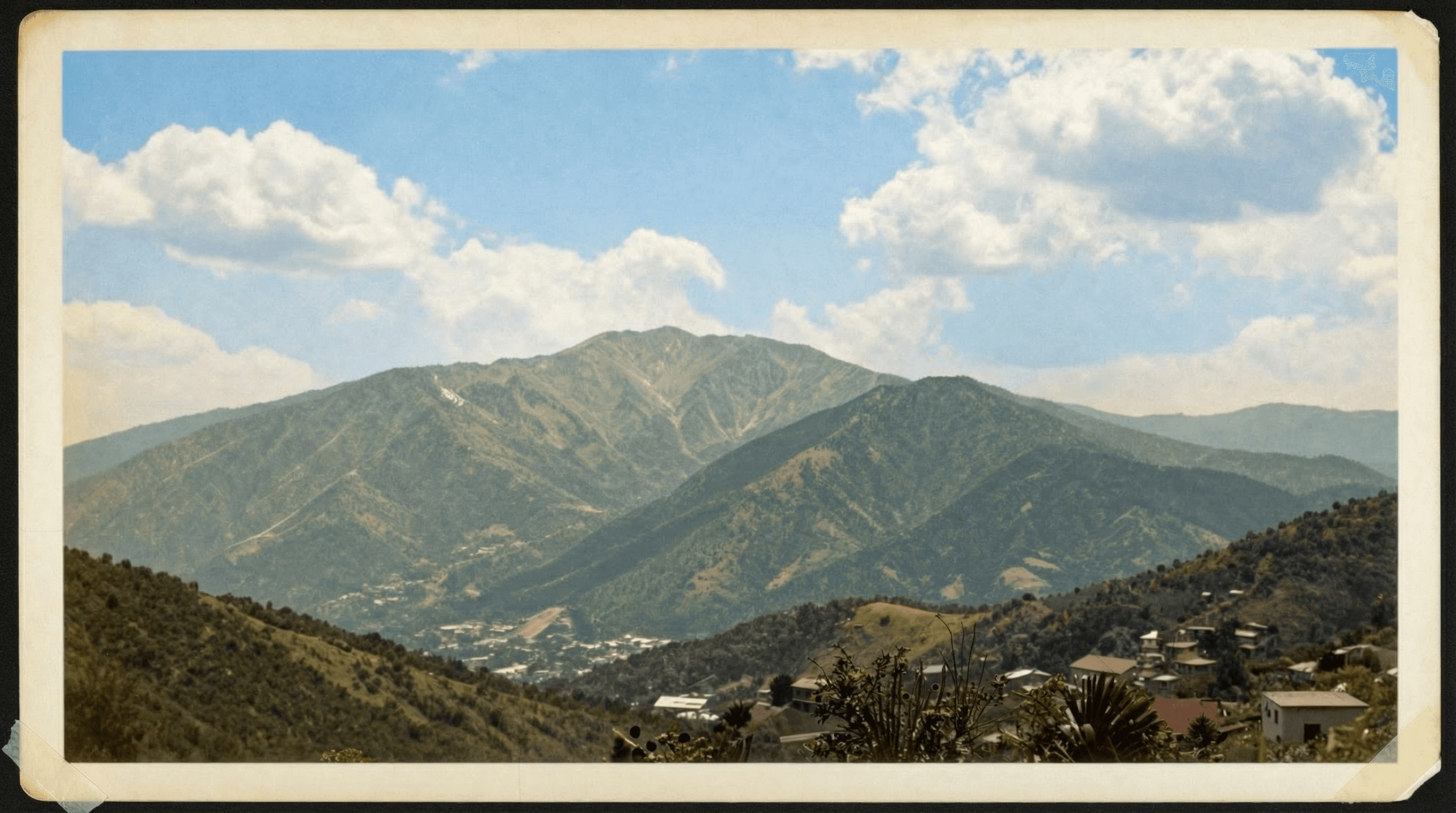
AI Old Photo Restoration Examples

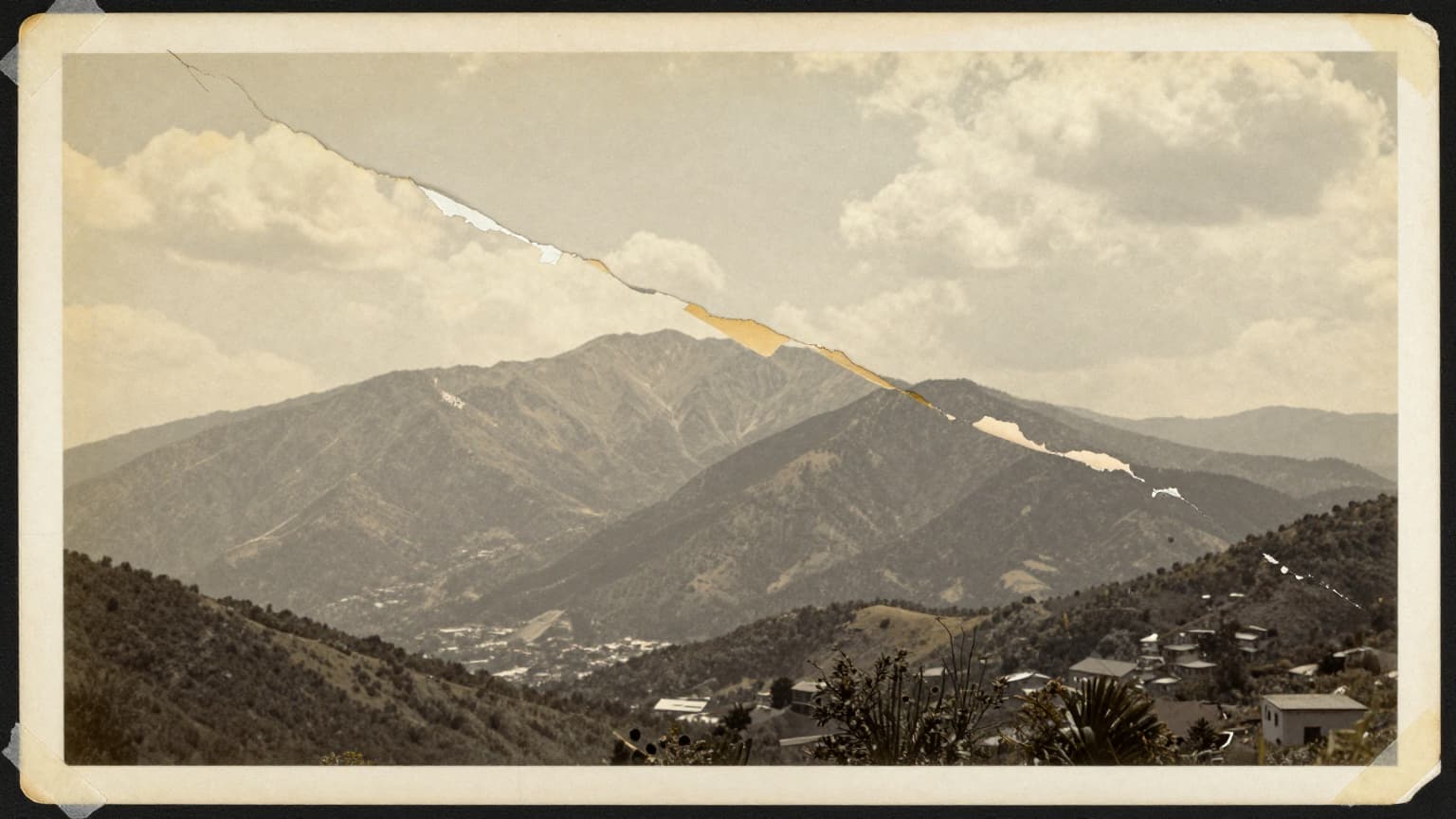
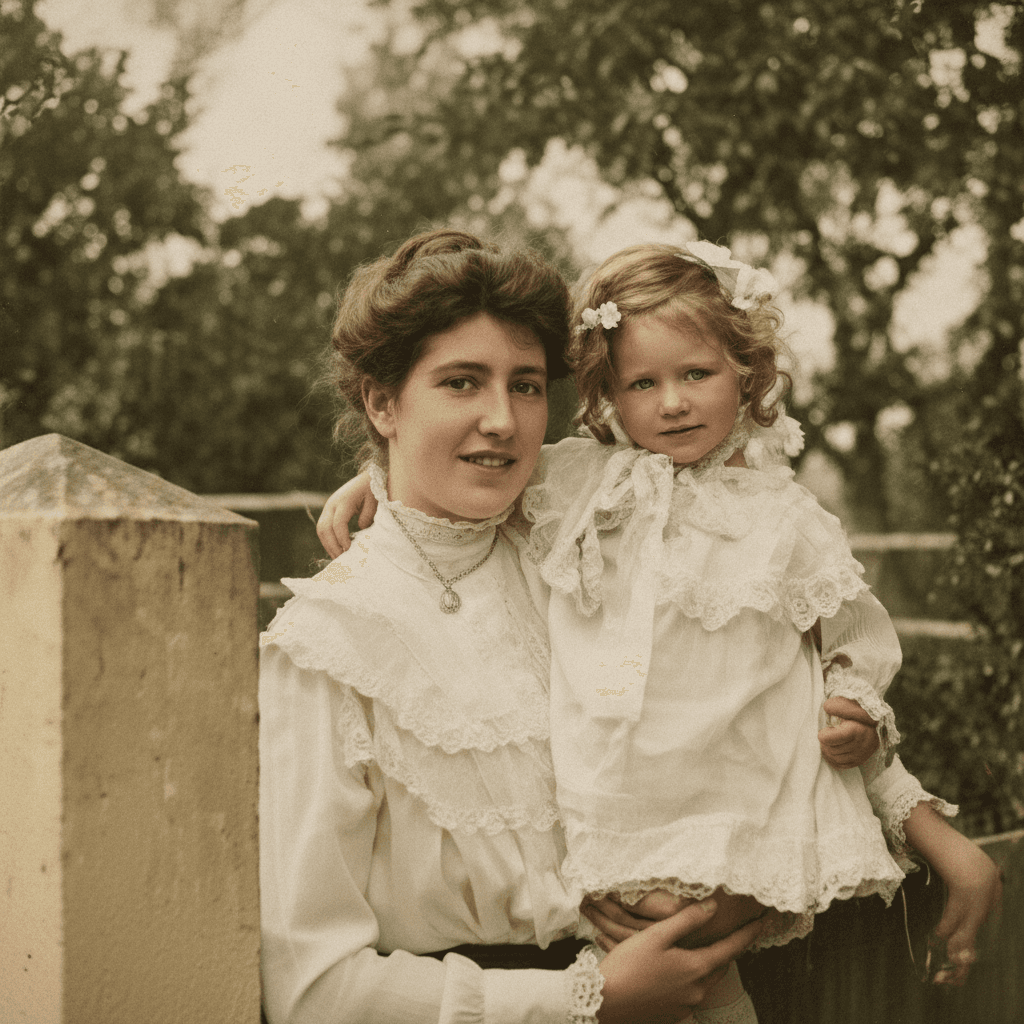
Original image (faded)Image one
Original with background (faded)Image two
Original image (faded)Image one
Original with background (faded)Image two
Original image (faded)Image one
Original with background (faded)Image two
Original image (faded)Image one
Original with background (faded)Image two

Key Features of Nano Banana 2 AI Old Photo Restoration

Nano Banana 2 AI old photo restoration is designed for family archives, faded prints, and damaged portraits. It helps restore old photos while keeping the visual tone close to the source.

  • Damage Cleanup: Reduce scratches, stains, dust, fading, and noise with an AI old photo restoration workflow.
  • Vintage-Aware Results: Improve color and contrast without forcing every old photo into an artificial modern look.
  • Clearer Family Archives: Make old portraits, family scenes, and archive images easier to view and share.
  • Configurable Quality: Choose the Nano Banana 2 model and resolution that fits your restoration task and credit budget.

Why Use Nano Banana 2 AI Old Photo Restoration?

Professional Photo Restoration Quality

AI old photo restoration gives you a fast way to preview cleaner versions of damaged family photos before deciding whether any image needs deeper manual work.

Advanced AI Technology

The restoration prompt asks Nano Banana 2 to improve clarity, repair visible defects, and keep the vintage character instead of overprocessing the image.

Restore All Types of Damage

Use photo restoration for scratches, water marks, faded tones, low contrast, soft faces, and noisy scans.

Preserve Your Family History

Restore old photos for family albums, genealogy records, archive projects, memorial pages, and printed keepsakes.

How to Restore Old Photos with AI Background

How to Restore Old Photos with AI

01

Upload Your Old Photo

Upload a faded, scratched, stained, or low-contrast vintage photo. Scans and clear phone captures both work.

02

Nano Banana 2 Restores the Image

The AI old photo restoration route uses a restoration prompt to repair visible damage, recover detail, and preserve the vintage feel.

03

Download Restored Photo

Preview the restored photo, then download the final result for family archives, prints, or digital sharing.

When to Use Photo Restoration

Family Photo Archives

Use our AI old photo restoration to revive family photographs passed down through generations. Restore faded colors, repair scratches, and preserve family history for future generations.

  • Restore vintage family portraits
  • Repair damaged childhood photos
  • Preserve ancestral memories

Historical Document Restoration

Our photo restoration tool is perfect for historical societies, museums, and archivists. Restore vintage photographs and documents while maintaining their historical authenticity and character.

  • Archive historical photographs
  • Digital preservation projects
  • Museum-quality restoration

Genealogy Research

Enhance your genealogy work with AI old photo restoration. Clear, restored vintage photographs make it easier to identify family members and share discoveries with relatives.

  • Identify ancestors clearly
  • Enhance family tree photos
  • Share restored family photos

Personal Photo Collections

Restore your personal collection of old photographs and vintage prints. Our AI photo restoration brings decades-old memories back to life with professional quality results.

  • Restore childhood memories
  • Repair damaged vintage prints
  • Revive faded photograph colors

How Nano Banana 2 Photo Restoration Works

The page uploads your source image to R2, checks content safety, and sends the photo into a Nano Banana 2 image-to-image restoration flow.

The restoration prompt guides the model to repair scratches, stains, and fading while sharpening detail and improving color balance.

After generation, the app stores the restored photo on the Nano Banana 2 R2 domain and returns a stable downloadable URL.

For best results, start from the highest-resolution scan or photo available and avoid cropped images where important details are already missing.

AI Old Photo Restoration FAQ

Nano Banana 2 AI old photo restoration helps restore old photos by improving clarity, reducing visible damage, and rebuilding faded or scratched areas while keeping the image's vintage character.
Upload a scan or phone capture, then the photo restoration flow sends it to a Nano Banana 2 image route. The AI old photo restoration prompt guides the model to reduce scratches, stains, blur, fading, and age marks.
AI old photo restoration can help with scratches, dust, stains, low contrast, faded color, blur, and noise. Very severe missing areas may need repeated attempts or manual finishing.
The default restoration prompt asks Nano Banana 2 to keep the historical look while improving damage and clarity. The goal is a cleaner restored photo, not an over-modernized portrait.
The AI old photo restoration page accepts JPG, JPEG, PNG, and WEBP uploads up to 24MB. Scans usually work best, but clear phone captures of printed vintage photos can also be restored.
AI photo restoration is faster and easier for everyday family archives. Manual restoration may still be useful for museum-grade work, but Nano Banana 2 is practical when you need fast restored photo previews.
You can try very old or heavily damaged images, but results depend on how much detail remains. AI old photo restoration works best when faces and main subjects are still visible.
Most jobs complete after a short wait, depending on model, resolution, and queue load. The page shows progress while the AI old photo restoration result is being generated.

Restore Your Old Photos Now

Use Nano Banana 2 AI old photo restoration to repair, clarify, and preserve vintage images.