AI Image Text Remover • Instant Results

Remove Text from Images
with AI

The best AI image text remover that automatically detects and erases text from photos while intelligently reconstructing the background. No manual masking required.

Drop your image here

Upload an image to remove text from it instantly

JPGPNGWEBPUp to 24MB
Instant Results
Remove text in seconds
🎯
AI Precision
Smart text detection
🖼️
Clean Output
Seamless background
📦
Bulk Processing
Multiple images
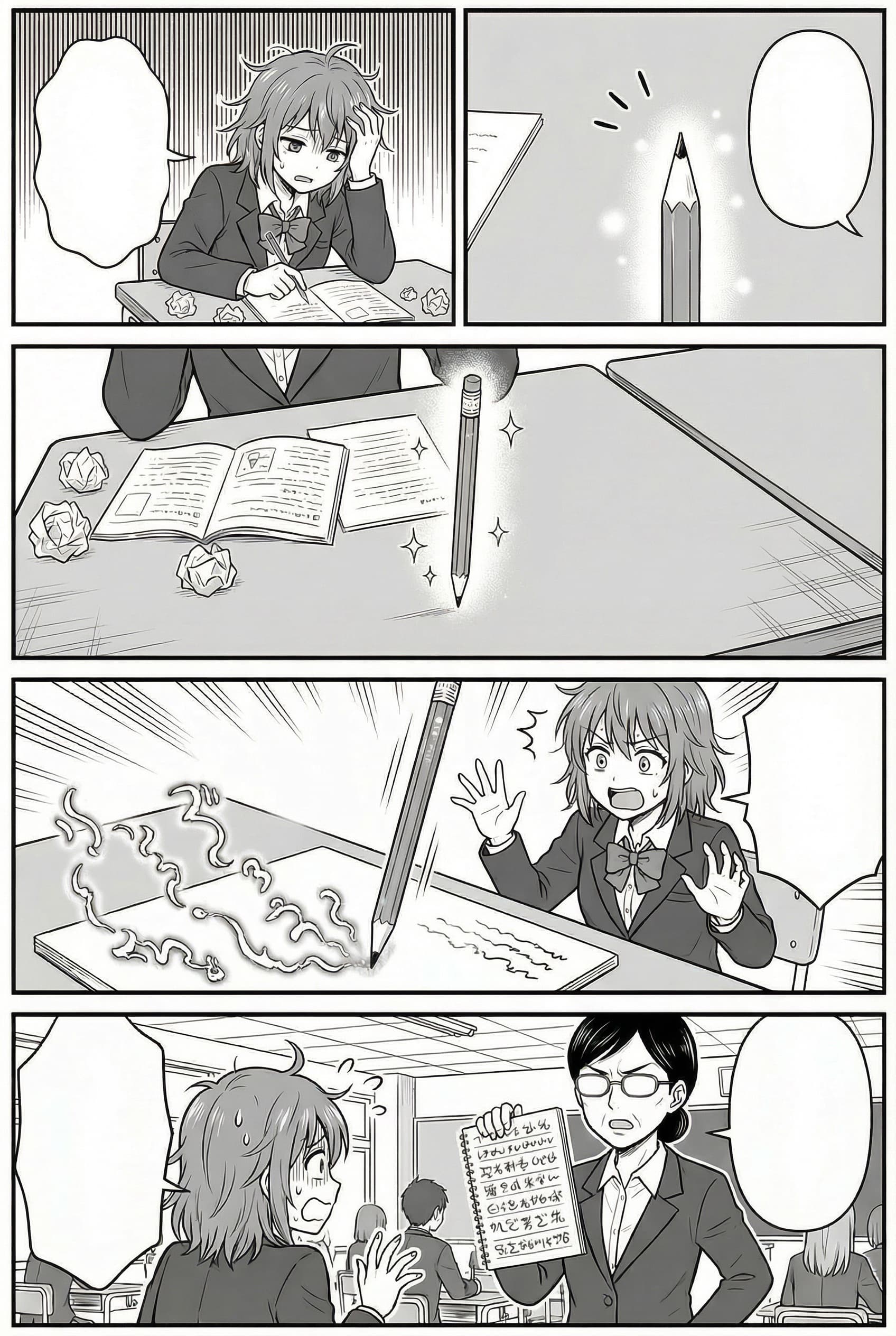
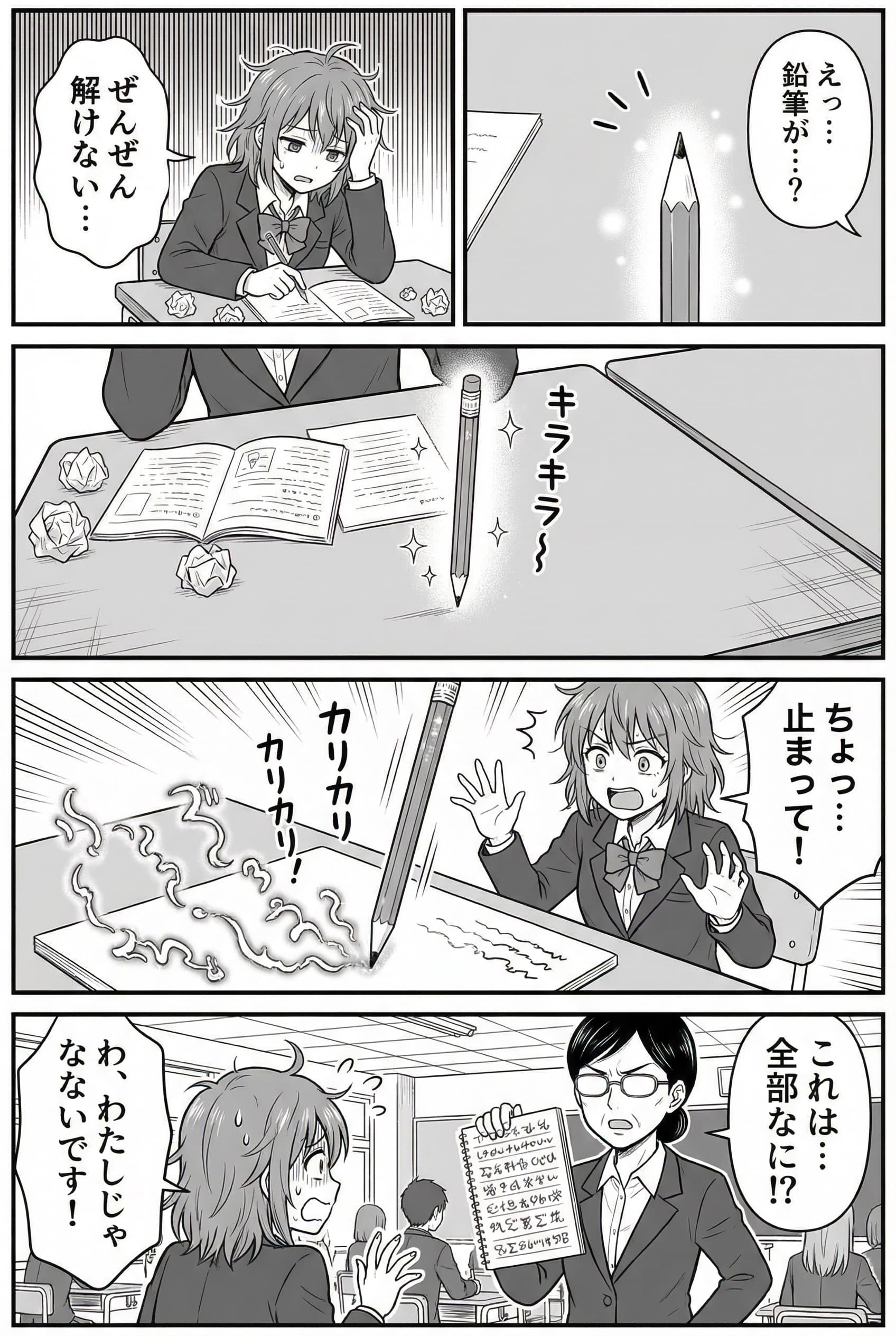
AI Image Text Remover Examples

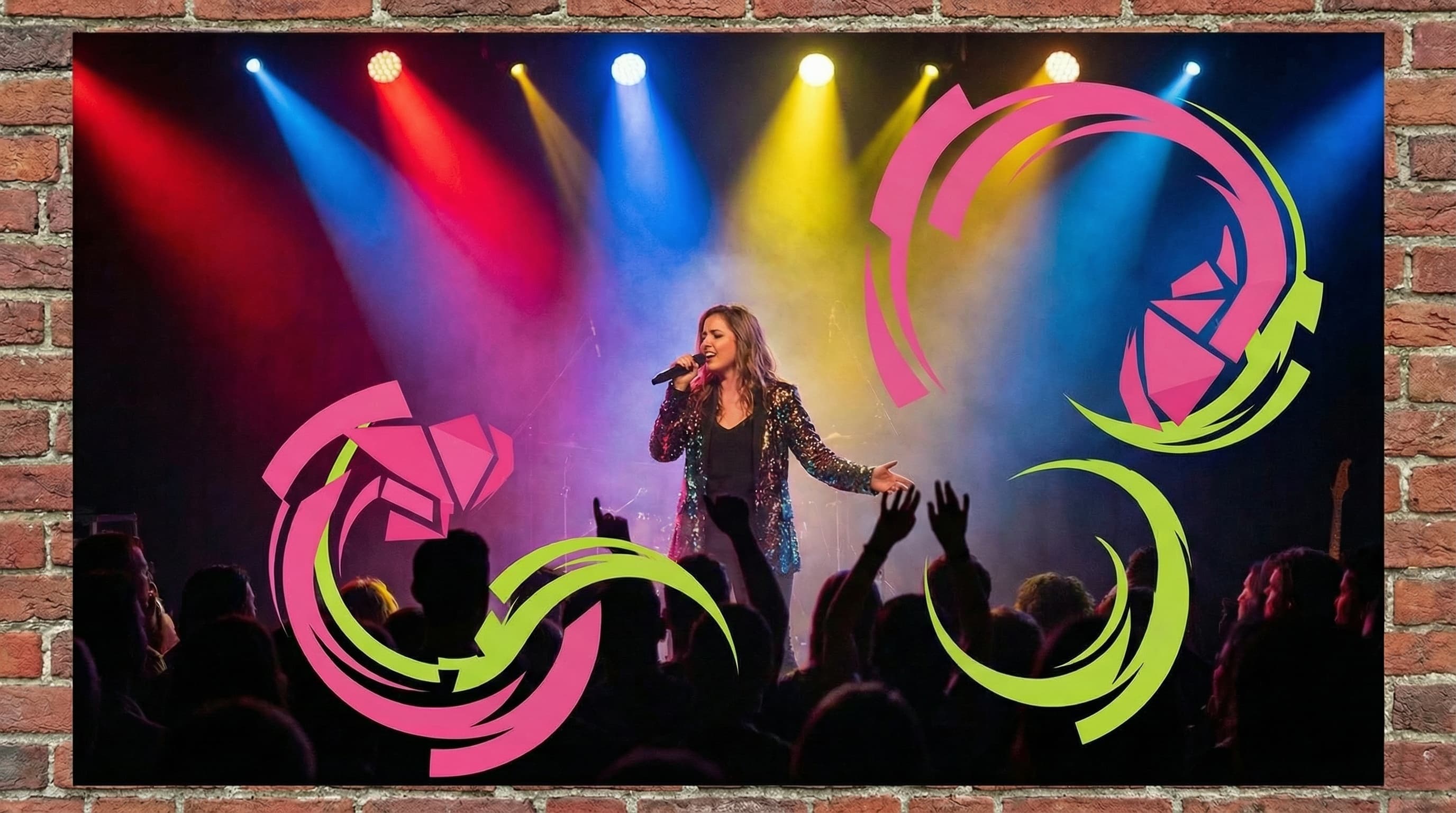
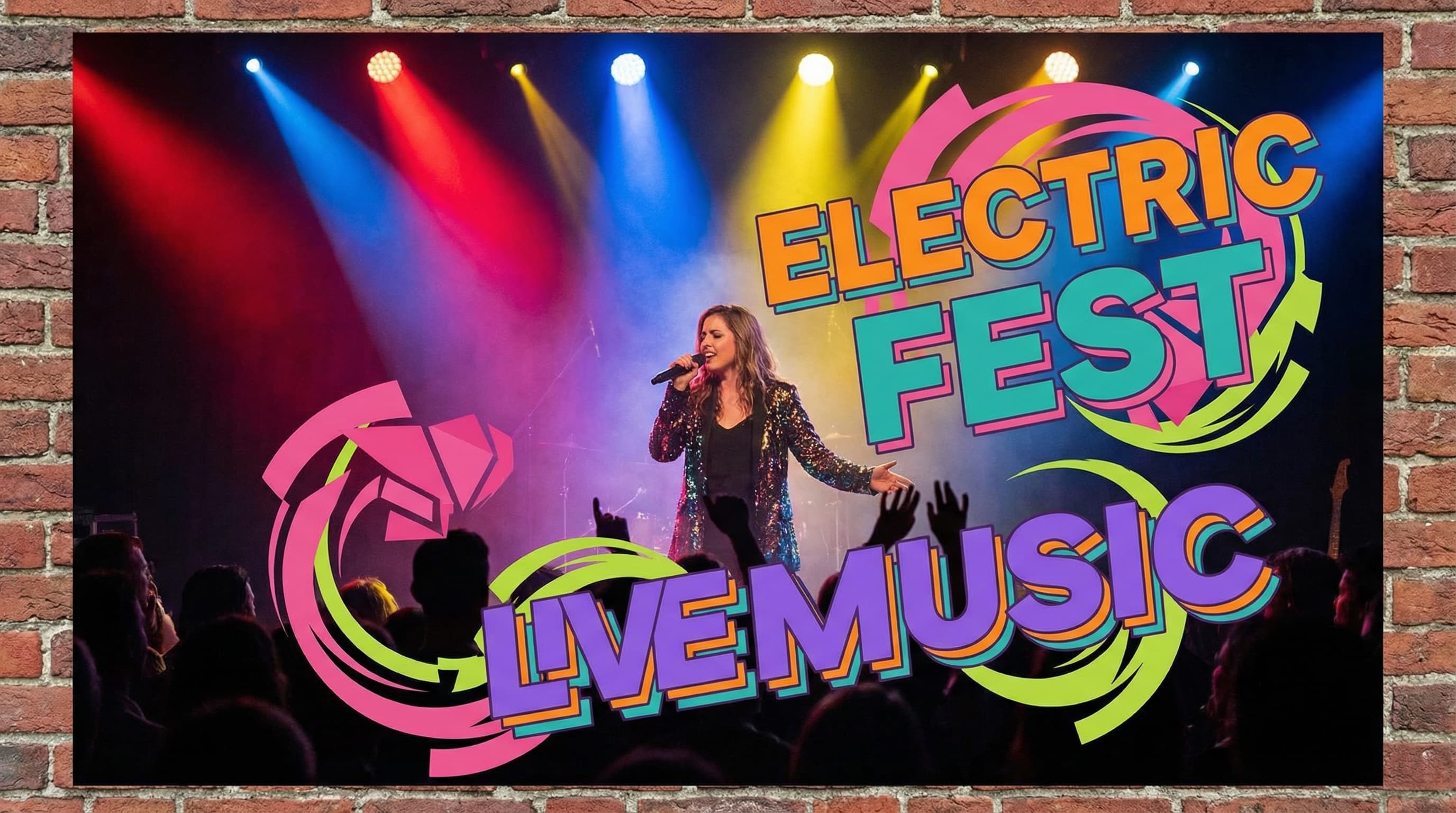
Original image (faded)Image one
Original with background (faded)Image two
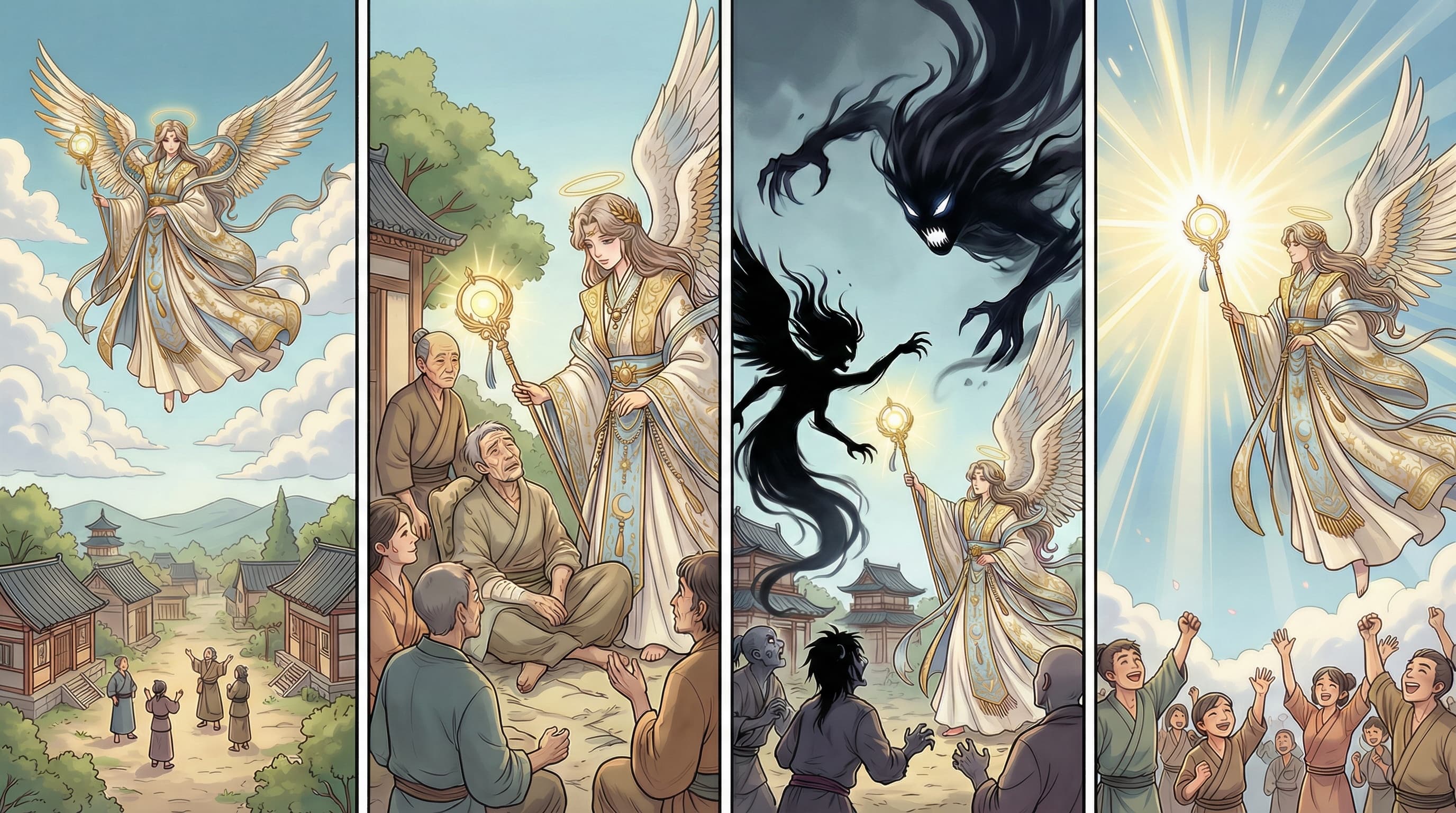
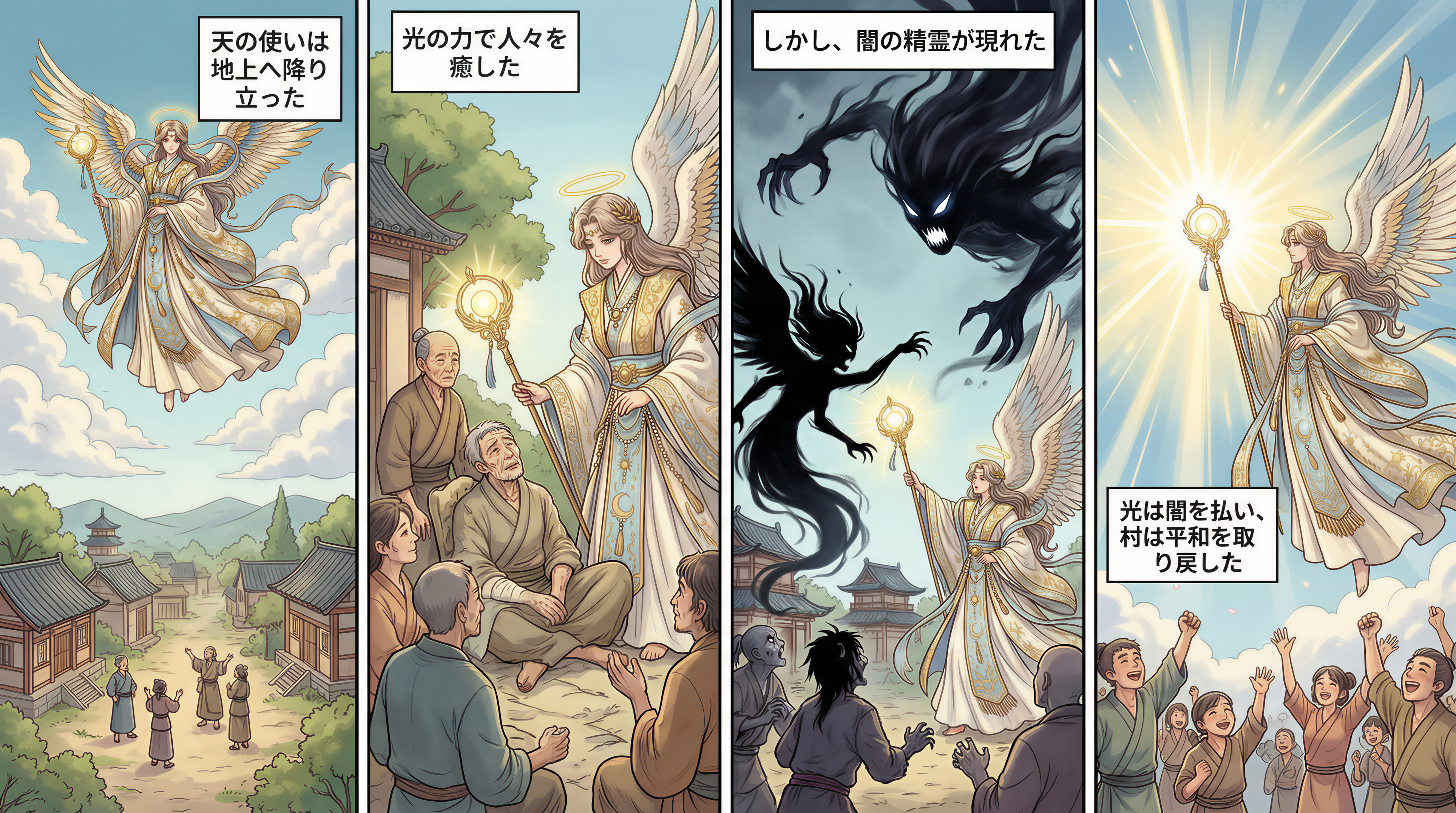
Original image (faded)Image one
Original with background (faded)Image two
Original image (faded)Image one
Original with background (faded)Image two
Original image (faded)Image one
Original with background (faded)Image two

Key Features of the Nano Banana 2 AI Image Text Remover

The Nano Banana 2 AI image text remover is built for fast cleanup when captions, labels, signs, or overlay text get in the way. Upload a file, remove text from image content, and download a cleaner version for reuse.

  • Text Cleanup Workflow: Remove text from image files without manual cloning or layer-based editing.
  • Intelligent Background Reconstruction: The AI image text remover fills cleared areas by matching nearby texture, color, and lighting.
  • Practical Output Quality: Designed for captions, labels, signs, and overlays where a clean image matters.
  • R2-Backed Results: Generated results are uploaded to the configured Nano Banana 2 R2 domain for stable download.

Why Use the Nano Banana 2 AI Image Text Remover?

Professional Results Every Time

When you remove text from image files, a flat blur is rarely good enough. The AI image text remover rebuilds the cleared area so the output can stay useful for product, social, and design work.

Powered by Advanced AI Technology

Nano Banana 2 routes the image through AI cleanup and stores the final result on the configured R2 domain, giving you a practical edit-and-download workflow.

Perfect for Any Use Case

Clean product visuals, screenshots, memes, captions, labels, and repurposed images without opening a full photo editor.

No Technical Skills Required

The page keeps the workflow direct: upload, safety check, generate, poll, preview, and download.

How to Remove Text from Image with AI Background

How to Remove Text from Image with AI

01

Upload Your Image

Upload the image that contains text, captions, or labels you want to remove. JPG, PNG, and WEBP files up to 24MB are supported.

02

Nano Banana 2 Cleans the Text Area

The AI image text remover sends the file to the cleanup route and reconstructs the cleared region from surrounding visual context.

03

Download Clean Image

Preview the cleaned image and download the text-free result for social, ecommerce, design, or documentation work.

When to Use Our Image Text Remover

E-commerce & Product Photos

Use our AI image text remover to clean product images for professional listings. Remove text from image backgrounds, eliminate watermarks, and create clean product photos.

  • Remove promotional text overlays
  • Clean watermarked product images
  • Perfect for Amazon, eBay, Shopify

Social Media Content

The best image text remover for content creators. Remove text from image posts, clean up memes, and repurpose visual content without unwanted text.

  • Clean meme templates for reuse
  • Remove captions from shared images
  • Create text-free backgrounds

Photography & Design

Professional photographers and designers use our image text remover AI to clean images for clients. Remove unwanted text while preserving image quality.

  • Remove date stamps from photos
  • Clean signage from backgrounds
  • Prepare images for publication

Screenshots & Documentation

Need to remove text from image screenshots? Use the AI image text remover to clean software UI captures, tutorial images, and documentation visuals one file at a time.

  • Clean screenshots for presentations
  • Remove sensitive text information
  • Prepare images for localization

How the AI Image Text Remover Works

The Nano Banana 2 AI image text remover starts by sending the uploaded image through a protected API route after upload and content checks.

The cleanup model removes visible text regions and recreates the missing background from nearby color, texture, shadows, and scene information.

After the provider returns a result, the app uploads the generated image to the Nano Banana 2 R2 public domain so the download remains stable.

For best results, use clear source images and avoid text that covers important faces, hands, logos, or tiny texture details.

AI Image Text Remover FAQ

The Nano Banana 2 AI image text remover helps remove text from image files by detecting visible words, labels, captions, and overlays, then filling the cleared area with a reconstructed background.
Upload an image, crop if needed, and start the AI image text remover. The tool submits the image for text removal, polls the result, stores the output to R2, and lets you download the cleaned file.
The image text remover works best on visible captions, labels, signs, subtitles, UI text, and simple watermark text. Extremely stylized lettering or text covering faces and fine details may need another attempt.
This page is optimized for one image at a time, so each result can be reviewed before download. For repeated cleanup, run the AI image text remover on each image and keep the outputs organized in your account workflow.
A strong image text remover should do more than blur words. Nano Banana 2 routes the file through AI cleanup so the erased area can blend with nearby texture, color, lighting, and scene context.
The AI image text remover accepts common image formats such as JPG, JPEG, PNG, and WEBP up to 24MB. The processed result is returned as a downloadable image.
Logged-in users can run the AI image text remover when they have the required access or credits. The tool displays account and credit requirements before processing.
Accuracy depends on the image and text placement. The AI image text remover performs best when the text is readable and the surrounding background has enough visual information for a natural fill.

Remove Text from Images Now

Use Nano Banana 2 to remove text from image files and download a cleaner result.