Nano Banana 2 AI Caricature Generator • Instant Fun Results

Transform Photos to Caricatures
with AI

Create fun, expressive cartoon caricatures from your photos instantly. Our AI caricature generator exaggerates features playfully while keeping your likeness intact. Perfect for social media, gifts, and laughs!

Upload your photo

Upload any portrait to create a fun caricature

JPGPNGWEBPUp to 24MB
264/500
1 credit required
😄
Expressive Style
Fun exaggerated features
🎨
Multiple Styles
Comic, cartoon, anime
AI Precision
Keep your likeness
Instant Results
Seconds to generate
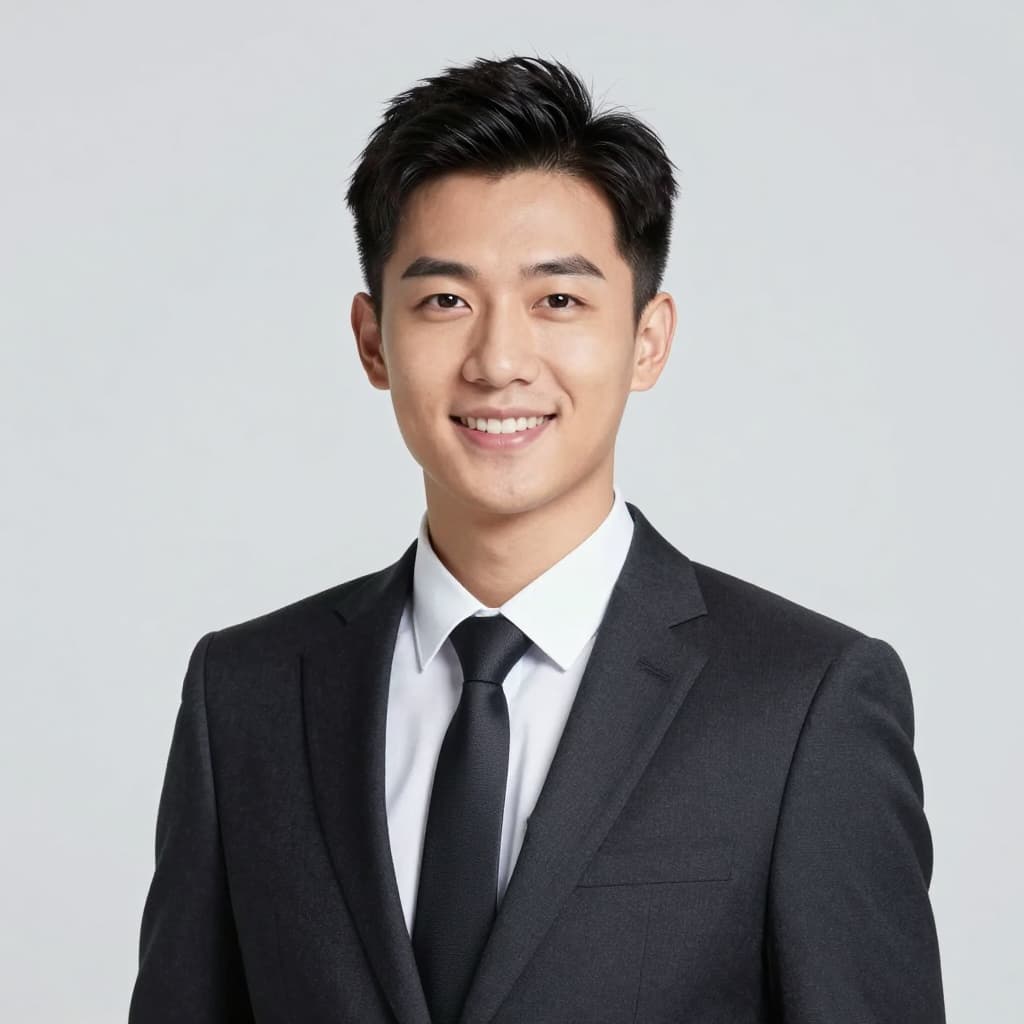
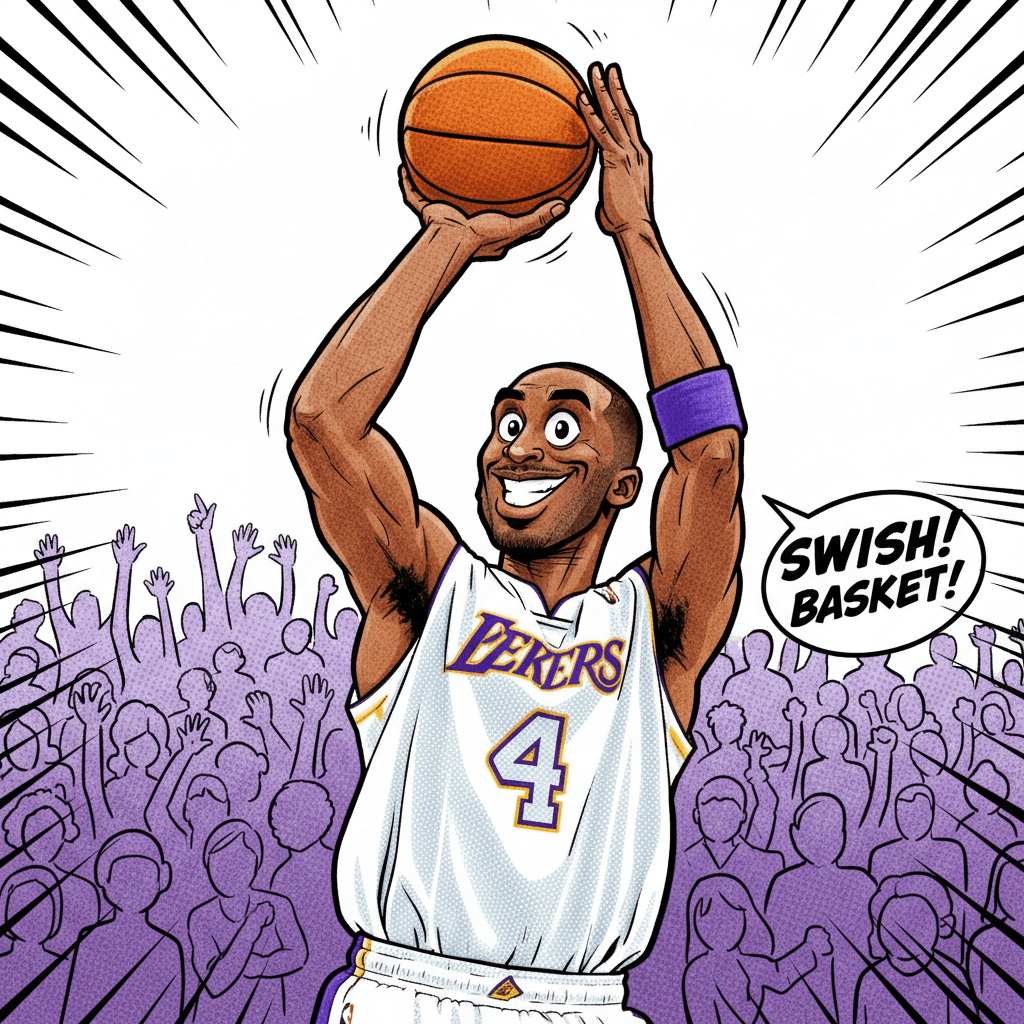
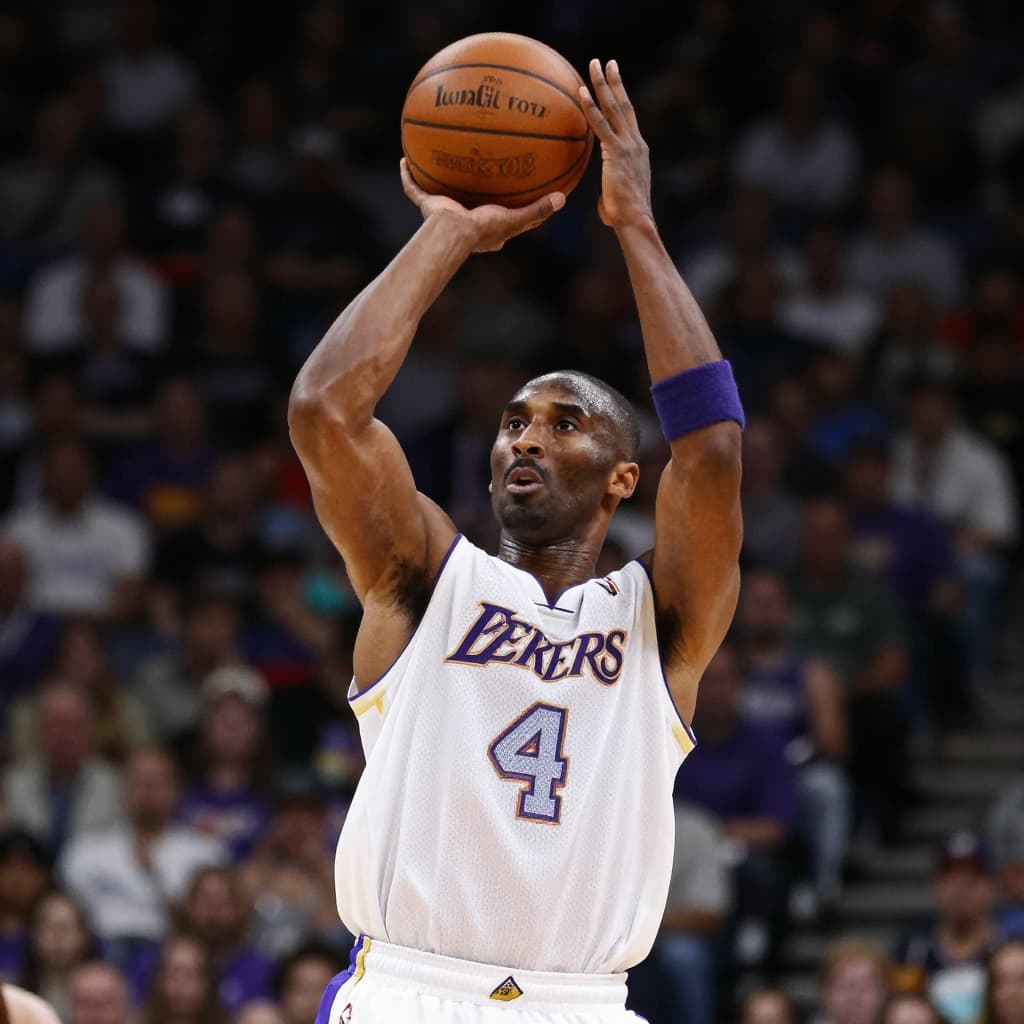
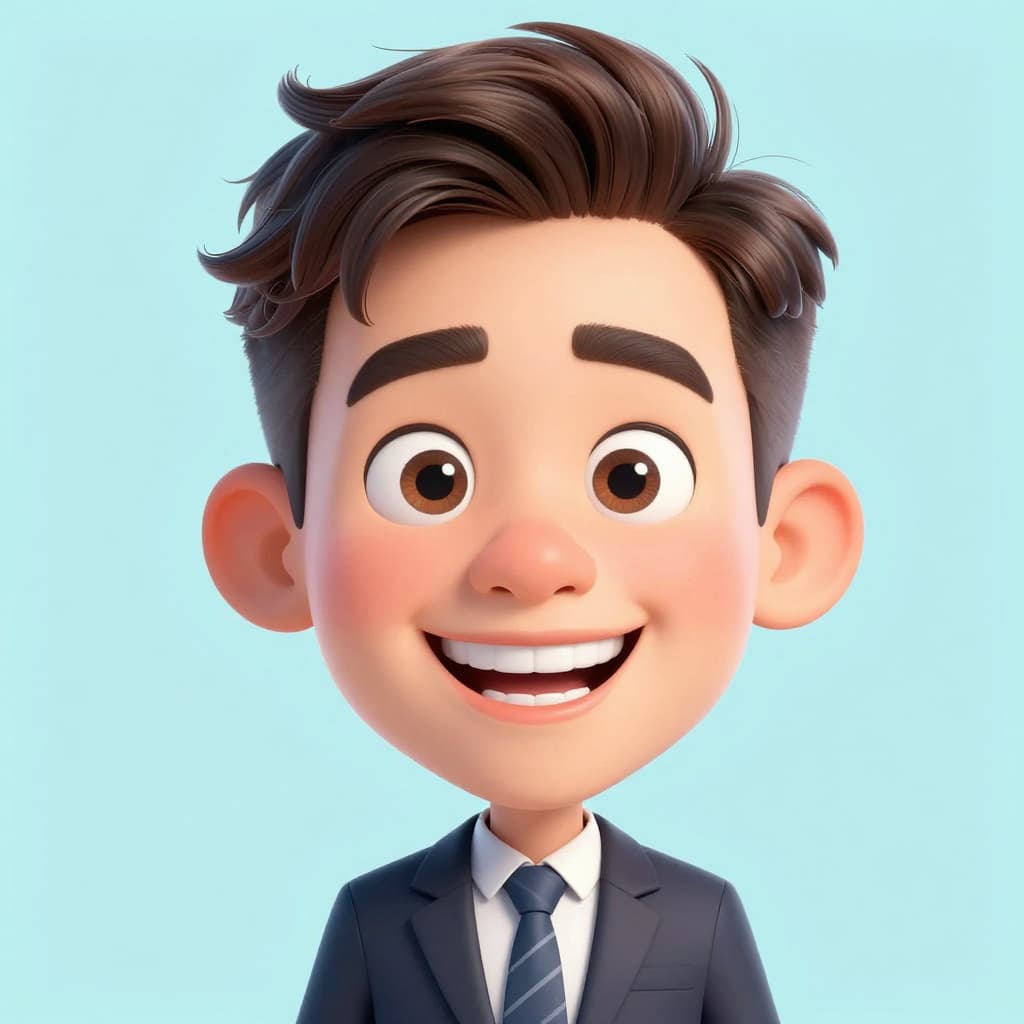
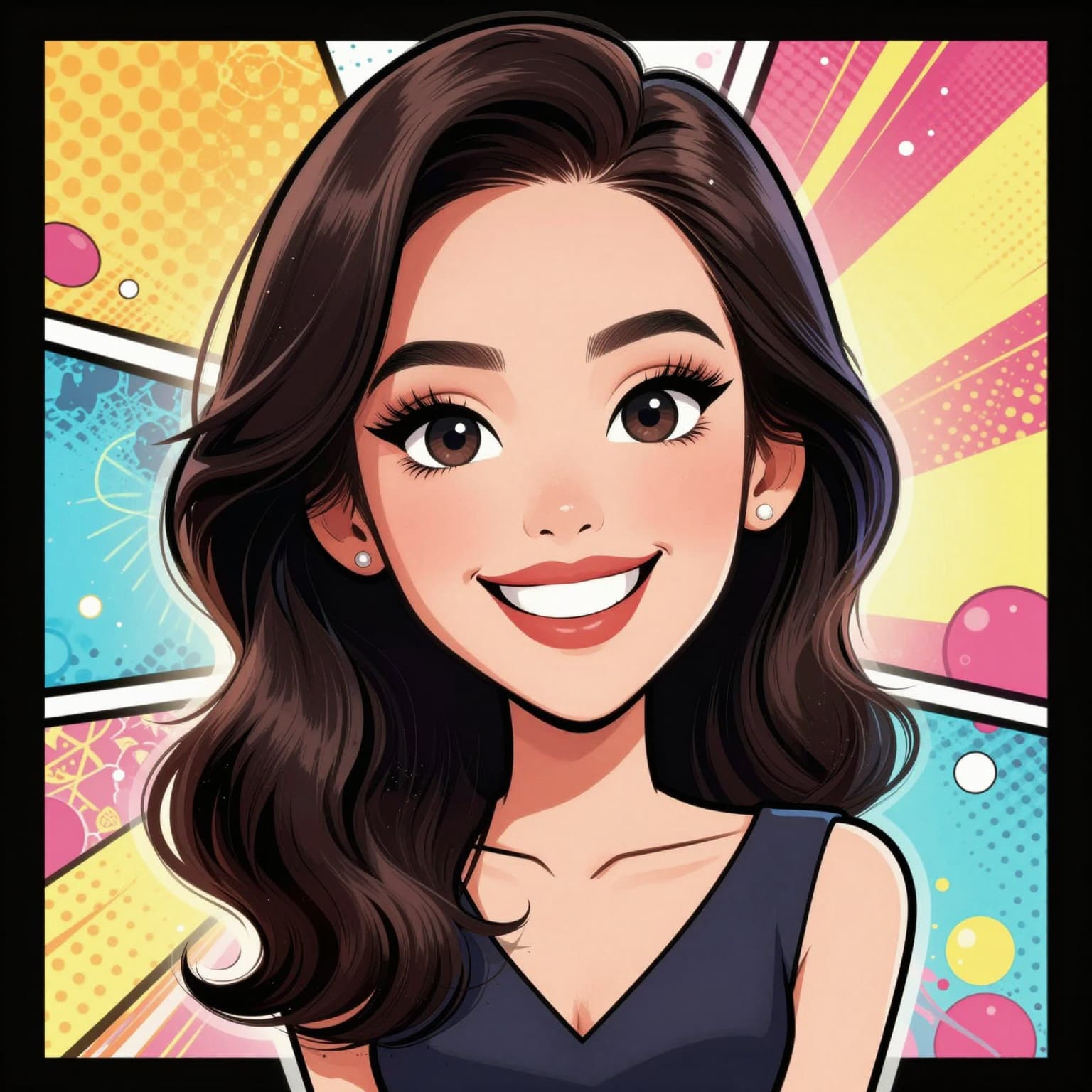
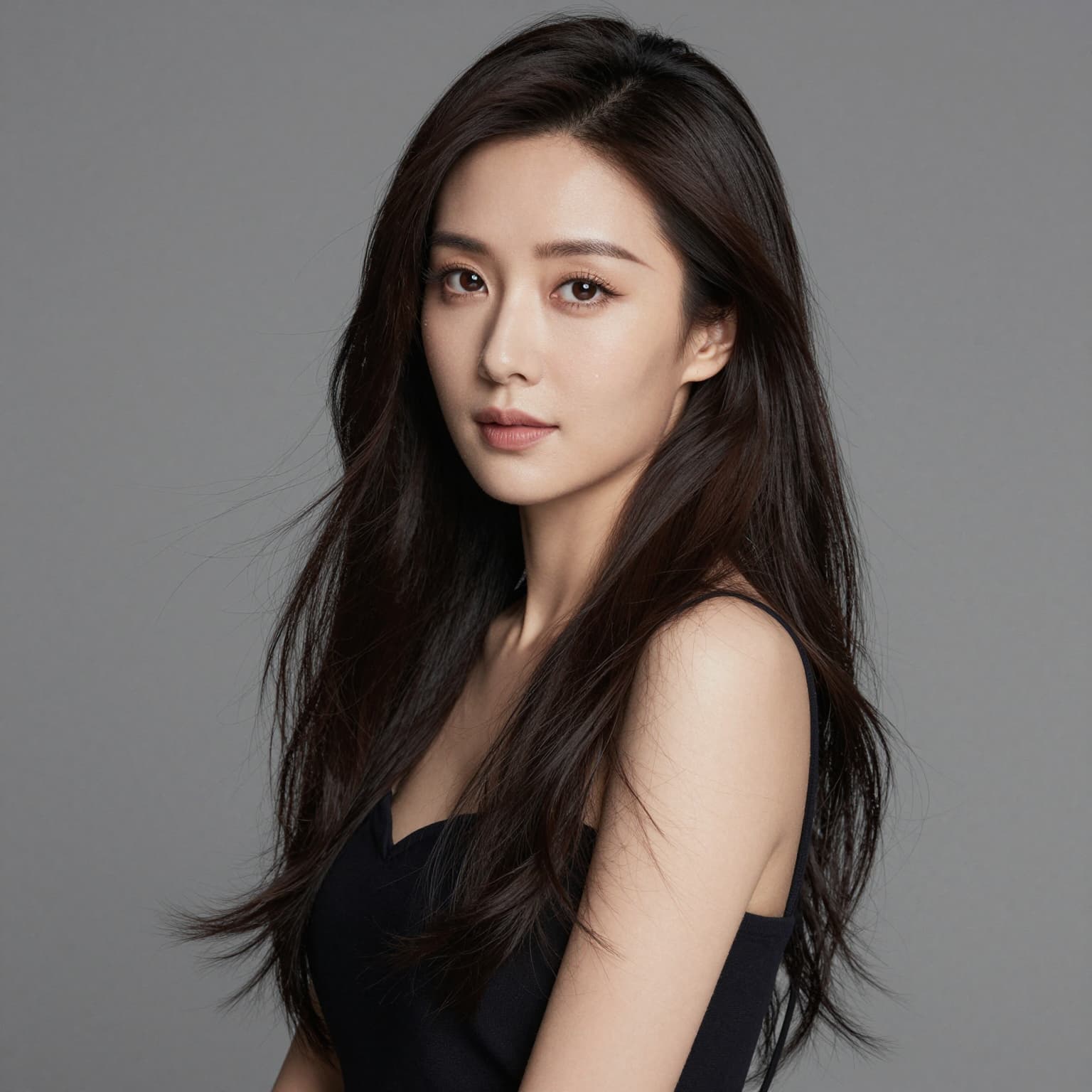
AI Caricature Generator Examples

Original image (faded)Image one
Original with background (faded)Image two
Original image (faded)Image one
Original with background (faded)Image two
Original image (faded)Image one
Original with background (faded)Image two

Key Features of the Nano Banana 2 AI Caricature Generator

The Nano Banana 2 AI caricature generator turns portraits into expressive, social-ready character art. Choose a style, generate a caricature from photo, and download a polished result.

  • Portrait-to-Caricature Flow: The AI caricature generator turns a real portrait into a stylized character while preserving recognizable identity cues.
  • Multiple Artistic Styles: Choose comic, cartoon, anime, or 3D-inspired prompts inside the caricature maker.
  • Resolution Options: Use the standard model for quick images or Nano Banana 2 Max for higher-resolution caricature output.
  • R2-Backed Downloads: Finished AI caricature generator results are uploaded to the configured R2 domain for stable downloads.

Why Use the Nano Banana 2 AI Caricature Generator?

Professional Digital Caricature Quality

The AI caricature generator is built for fast avatar and gift creation when you want a recognizable but playful version of a portrait.

Advanced AI Technology

Nano Banana 2 combines your uploaded image with a focused style prompt, then returns a generated caricature from photo through the same image workflow used by the rest of the site.

Multiple Caricature Styles

The caricature maker gives you clear style choices instead of making you write a prompt from scratch.

Instant Fun Results

It is useful for profile pictures, team illustrations, event souvenirs, creator branding, and playful social posts.

How to Create Caricatures with AI Background

How to Create Caricatures with AI

01

Upload Your Photo

Upload a clear portrait or selfie. The AI caricature generator accepts JPG, PNG, and WEBP files up to 24MB.

02

Choose Your Style

Choose comic book, cartoon, anime, or 3D-inspired styling. Each caricature maker style changes the creative direction.

03

Generate & Download

Generate the caricature, preview it, and download the Nano Banana 2 result for avatars, gifts, events, or social posts.

When to Use the AI Caricature Generator

Social Media Profiles

Create eye-catching profile pictures with our ai caricature generator. Stand out on social media with a fun digital caricature that shows your personality.

  • Unique avatars for social platforms
  • Fun profile pictures
  • Memorable online presence

Personal Gifts

Our caricature maker creates perfect personalized gifts. Turn family photos into charming digital caricature artwork for birthdays, holidays, and special occasions.

  • Birthday caricature gifts
  • Holiday cards with caricature
  • Unique personalized artwork

Marketing & Branding

Businesses use our ai caricature generator for creative marketing materials. Create branded caricature from photo for company avatars, team illustrations, and promotional content.

  • Team member caricatures
  • Company mascots and avatars
  • Creative marketing visuals

Events & Parties

Our caricature maker is perfect for events. Create digital caricature souvenirs for weddings, corporate events, parties, and gatherings without hiring an on-site caricature artist.

  • Wedding caricature favors
  • Event entertainment
  • Party photo fun

How the AI Caricature Generator Works

The AI caricature generator starts with your uploaded portrait, stores it through the Nano Banana 2 R2 upload flow, and checks the image before generation.

Your selected style updates the prompt, then the image-to-image API creates a caricature from photo with exaggerated proportions, color, and line work.

When the provider returns the result, the app uploads the generated caricature to the configured Nano Banana 2 R2 domain and shows it in the page for download.

For best results, upload a clear single-person portrait and try different styles if the first AI caricature generator output is too subtle or too exaggerated.

AI Caricature Generator FAQ

The Nano Banana 2 AI caricature generator transforms a portrait into an exaggerated illustrated character. It keeps recognizable facial cues while changing the image into a playful caricature style.
Upload a portrait, choose a style, and the AI caricature generator sends your image plus a style prompt through a Nano Banana 2 image-to-image route. The result is uploaded to R2 for preview and download.
The AI caricature generator works best with clear portraits where the face is visible, well-lit, and not heavily covered. Front-facing selfies, headshots, and single-person portraits are ideal.
Yes. The caricature maker includes comic book, cartoon, anime, and 3D-inspired style prompts. Each AI caricature generator style changes color, line work, expression, and rendering direction.
The AI caricature generator uses the Nano Banana 2 credit flow. The page shows your credit requirement before processing based on selected model and resolution.
The standard model creates fast web-ready caricatures. The premium Nano Banana 2 option can use higher resolution settings such as 1K, 2K, and 4K when available.
You can use generated caricatures for avatars, social content, team pages, event creatives, and marketing drafts. Check your own rights to the uploaded portrait before commercial use.
Generation time depends on the chosen model, resolution, and queue load. The AI caricature generator shows progress while it creates and stores the result.
The prompt is designed to keep likeness while exaggerating facial features. For best results, use a sharp source image with a natural expression and visible face shape.
The AI caricature generator accepts common image formats including JPG, JPEG, PNG, and WEBP up to 24MB. Results can be downloaded as generated image files.

Create Your Caricature Now

Turn a portrait into a stylized caricature with Nano Banana 2.