AI-Powered • Instant Results

Remove Backgrounds
in Seconds

Transform any photo with AI precision. No manual editing required — just upload and watch the magic happen.

Drop your image here

or click to browse from your device

JPGPNGWEBPUp to 24MB
Instant Results
Process in seconds
🎯
Pixel Perfect
AI precision
🆓
Free to Use
No watermarks
🔒
Private
Secure processing
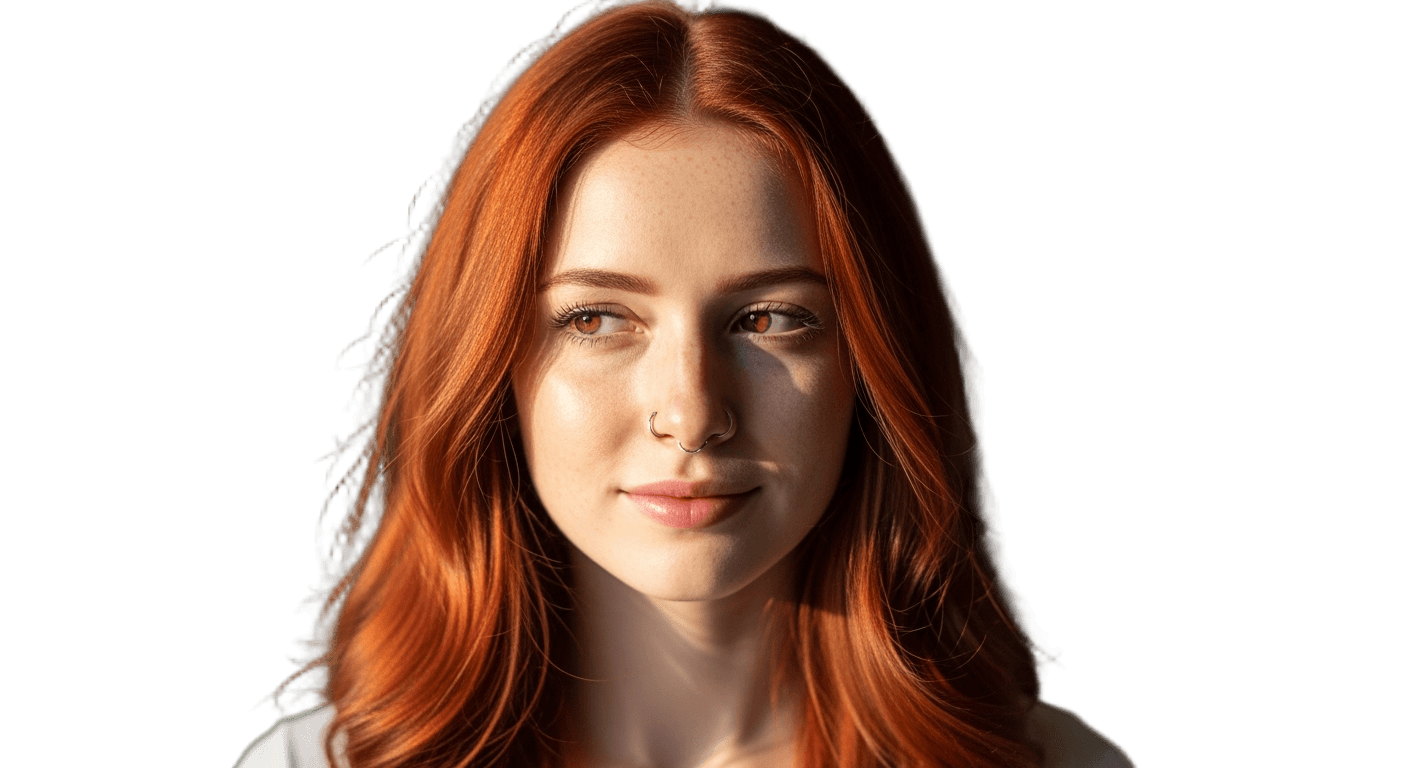
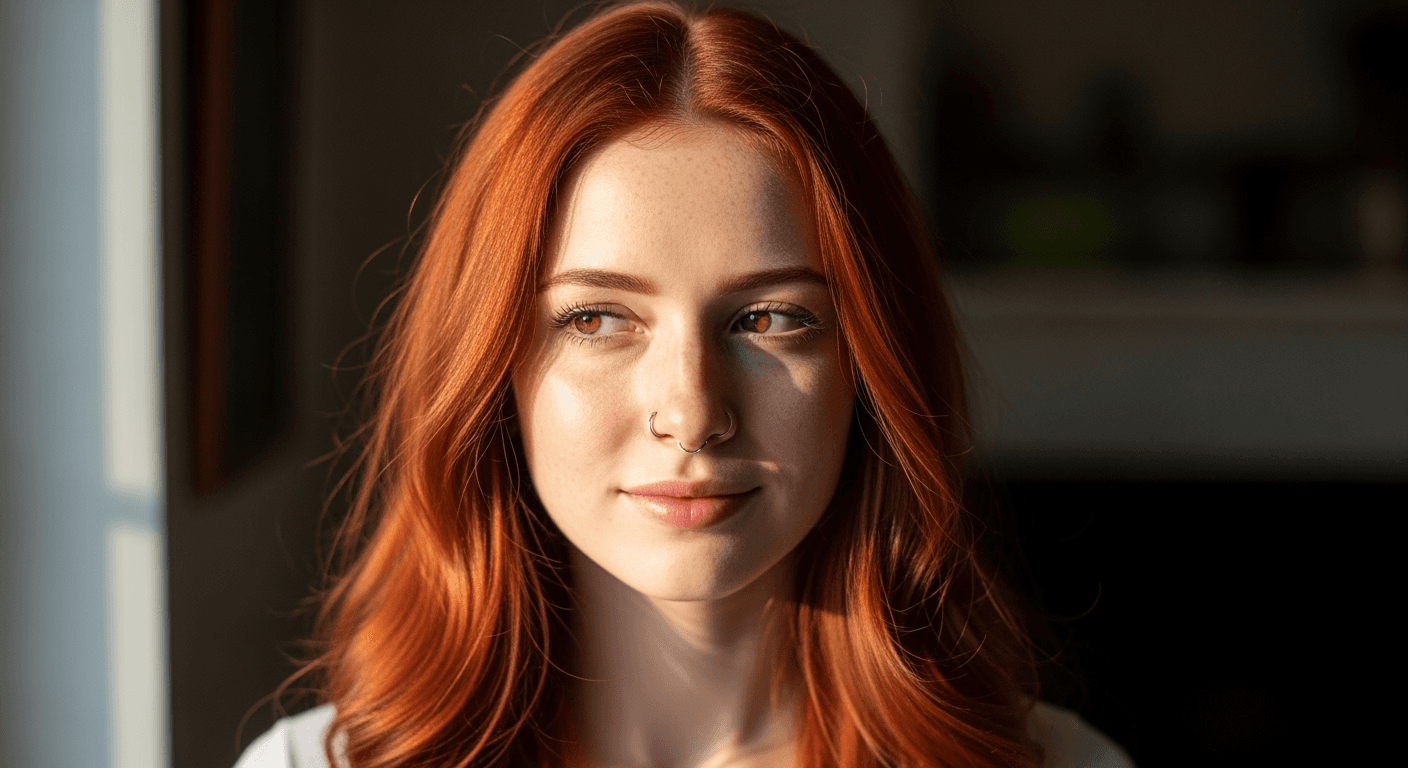
AI Background Remover Examples

Original image (faded)Image one
Original with background (faded)Image two
Original image (faded)Image one
Original with background (faded)Image two
Original image (faded)Image one
Original with background (faded)Image two

Key Features of the Nano Banana 2 AI Background Remover

  • Fast Background Removal: Use the AI background remover to turn everyday photos into transparent cutouts without hand tracing.
  • Clean Subject Edges: Designed for portraits, product edges, fabric, hair, and other details that are hard to mask manually.
  • High-Quality Output: Export transparent PNG files ready for ecommerce, social media, and presentation design.
  • Simple Creative Workflow: Upload, process, and download without opening a traditional photo editor.
How to Use the AI Background Remover Background

How to Use the AI Background Remover

01

Upload Your Image

Upload a product photo, portrait, object shot, or social image. The AI background remover supports JPG, PNG, and WEBP files up to 24MB.

02

Let Nano Banana 2 Cut It Out

The AI background remover detects the subject, removes the surrounding scene, and preserves important edges for a usable transparent cutout.

03

Download & Use

Download the transparent PNG and use it in product listings, thumbnails, pitch decks, ads, or any design workflow.

Where the AI Background Remover Helps

Ecommerce Product Photography

Use the AI background remover to prepare product cutouts for marketplaces, catalogs, and landing pages with fewer editing steps.

  • Clean white backgrounds for professional listings
  • Perfect for Amazon, eBay, Shopify
  • Higher conversion rates

Social Media Content

Create transparent subject layers for thumbnails, stories, profile images, and short-form content covers.

  • Transparent backgrounds for creative content
  • Professional social media graphics
  • Thumbnail creation for videos

Design Projects

Speed up layout work by starting from a clean transparent PNG instead of manually erasing a background.

  • Marketing materials & ads
  • Clean cutouts for presentations
  • Professional branding assets

Professional Photography

Prepare portraits for resumes, team pages, creator profiles, and polished portfolio visuals.

  • Corporate headshots & profiles
  • Portfolio preparation
  • Resume & LinkedIn photos

AI Background Remover FAQ

The Nano Banana 2 AI background remover separates the main subject from the scene and returns a clean transparent PNG. It is built for fast product cutouts, profile images, thumbnails, and marketing visuals without manual masking.
The AI background remover is designed to preserve fine outlines such as hair, clothing edges, product contours, and soft shadows. Results vary by source image, but clear subjects on visible backgrounds usually produce the cleanest background removal.
You can upload common image formats such as JPG, JPEG, PNG, and WEBP up to 24MB. The AI background remover exports a transparent PNG so the result can be placed on new layouts, ads, stores, or social posts.
Logged-in users can use the AI background remover from the Nano Banana 2 tools area. If the account needs credits or authentication, the page will show the required action before generation starts.
Yes. The AI background remover is suitable for ecommerce product photos, ad creatives, thumbnails, profile images, and other commercial design workflows.
Most background removal jobs finish quickly, though timing depends on image size, queue load, and edge complexity. The page shows progress while the AI background remover prepares the final PNG.

Start Removing Backgrounds Now

Use the Nano Banana 2 AI background remover to create clean transparent PNGs from your images.